🚚 Free Worldwide Shipping on All Orders!Shop Now
HomeStore

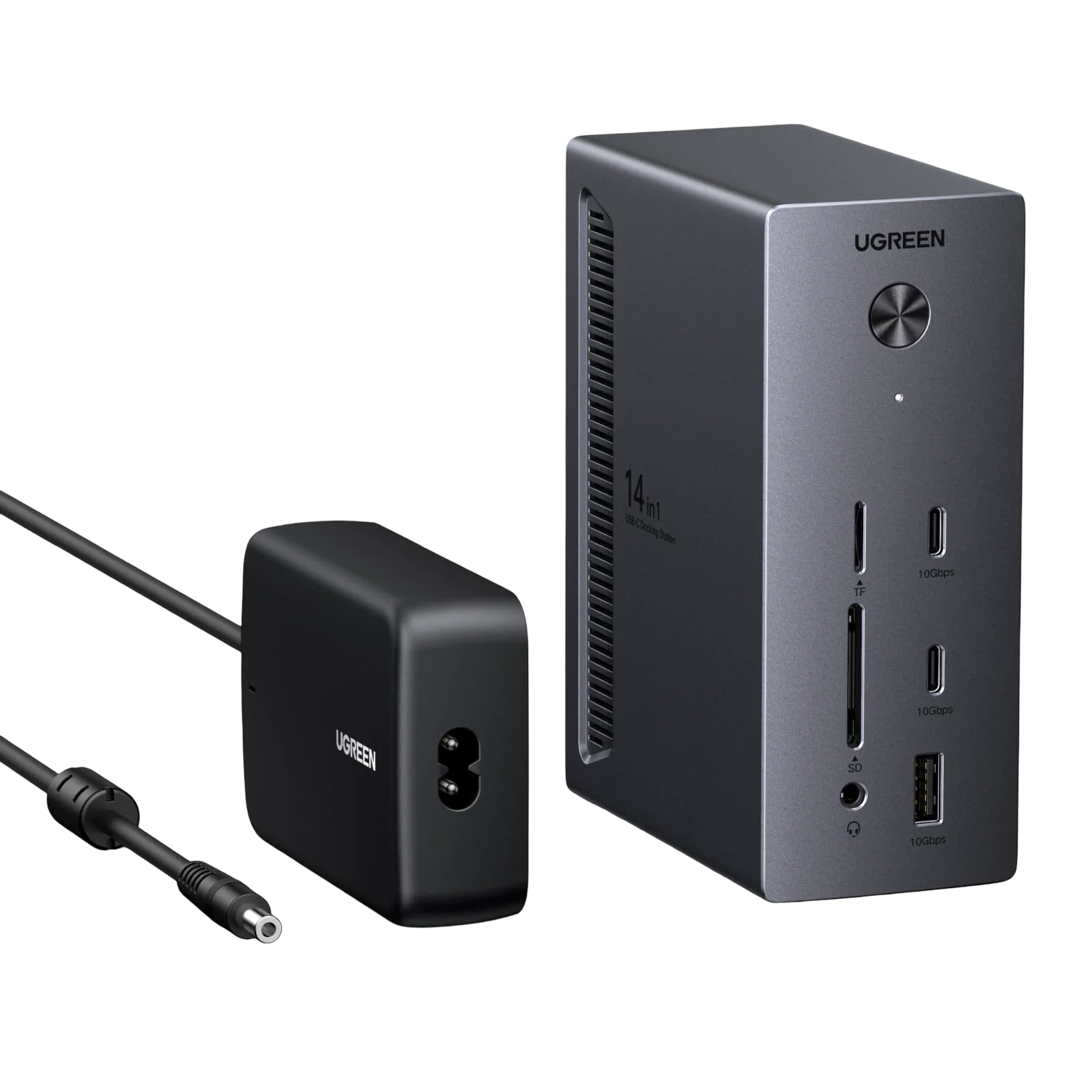
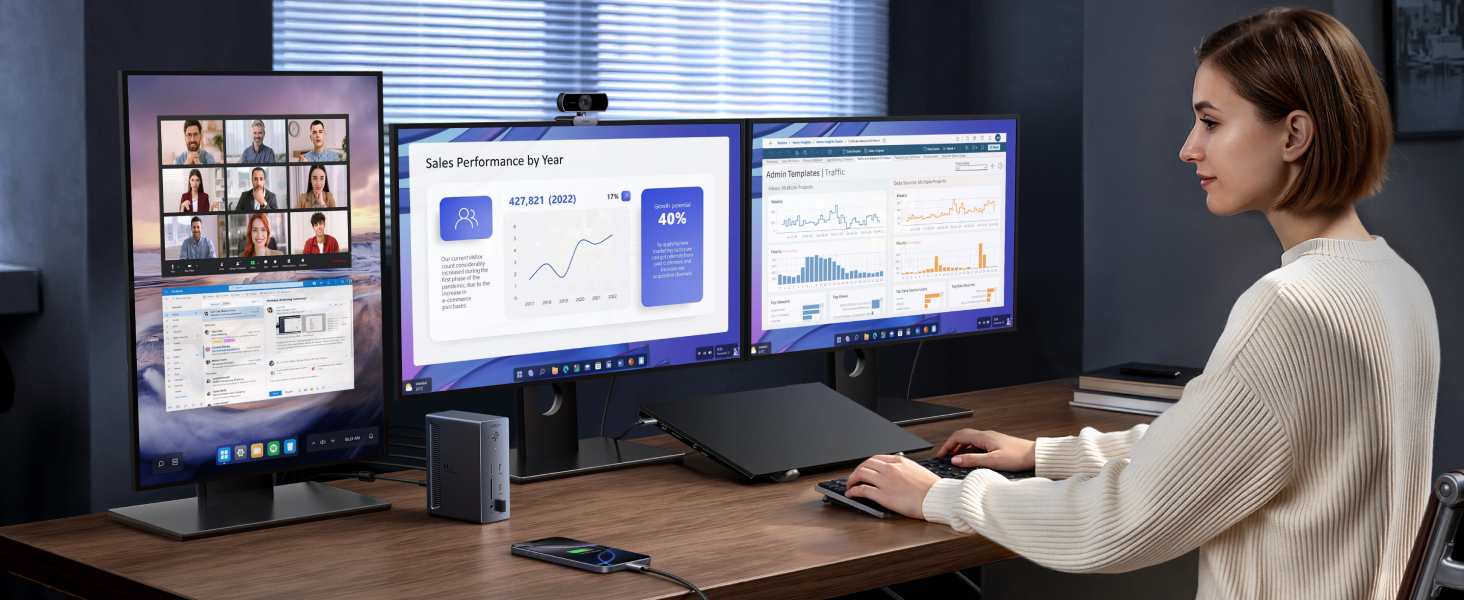
UGREEN Revodok Pro 14-in-1 USB-C Docking Station (Triple 4K, PD 100W, 10Gbps)

UGREEN Revodok Pro 14-in-1 USB-C Docking Station (Triple 4K, PD 100W, 10Gbps)

aplus content image
aplus content image
Text reads 'Universal USB-C Compatibility'. Technical specification diagram showing various USB-C connectivity options and features.

Notes

1 The dock is not recommended for MacBook users who wish to connect multi-monitors with different displays. For macOS, the external monitors will display identical content.
2 For full compatibility, ensure your laptop's USB-C port supports both Power Delivery and DisplayPort 1.2/1.4 Alt Mode, in addition to either USB4, Thunderbolt 5/4/3.
3 Only DisplayPort supports up to single 4K@120Hz display. For 4K@120Hz, ensure your laptop’s USB-C port supports DP1.4 with DSC (Display Stream Compression)
4 To ensure you achieve the described 4K@120Hz display with this dock, use a DisplayPort 1.4 cable no longer than 3 m (28AWG).
5 The 100W upstream USB-C port and 27W USB-C output share a combined power of 100W. When both are in use, the maximum output power per port may be less than the individual rated maximum.
6 To achieve 100W laptop charging, ensure your laptop supports the PD 3.0 protocol and that the dock's 27W USB-C PD port is free of connected devices.
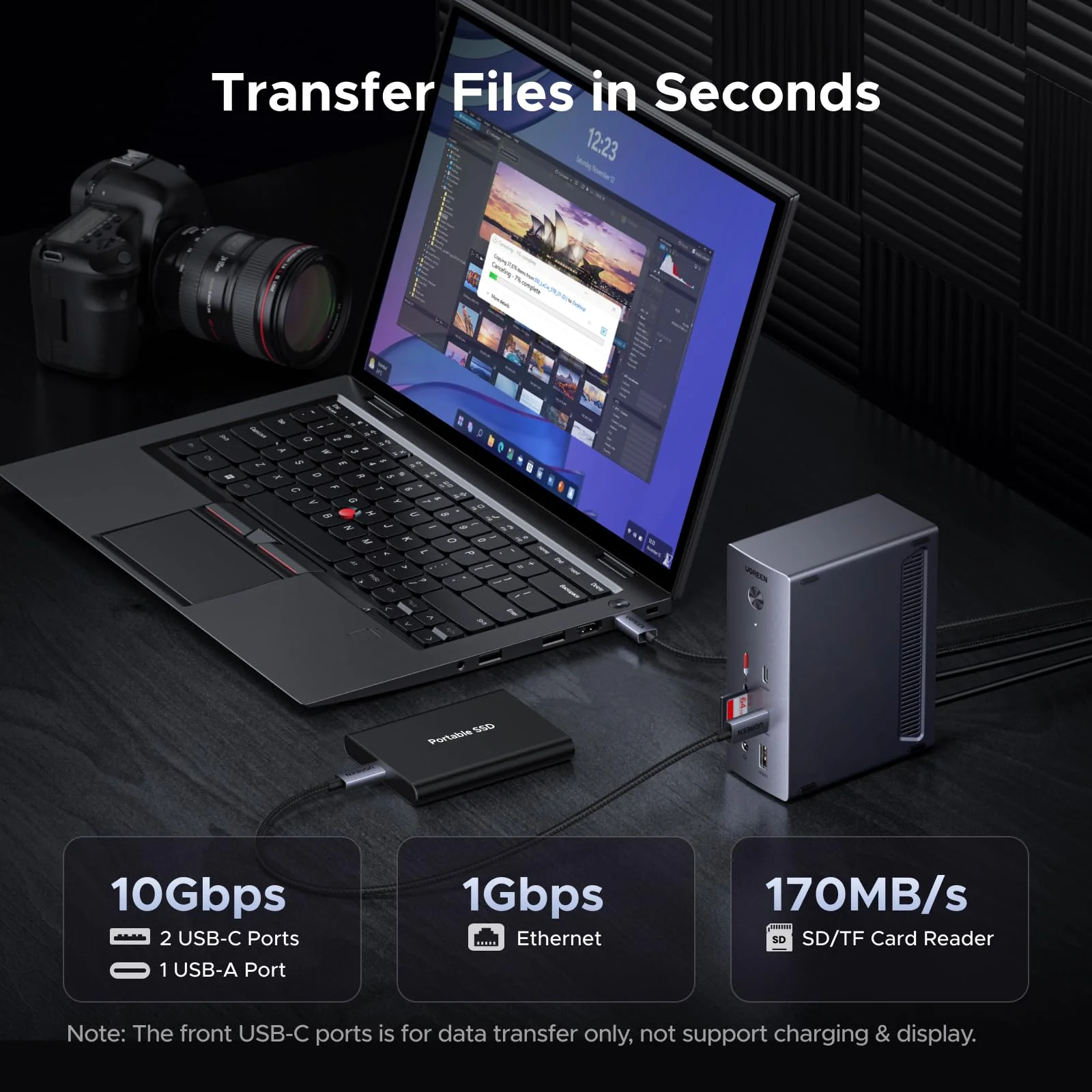
7 The front USB-C ports are for data transfer only, not support charging & display.
8 The 27W USB-C PD output is for charging only.
$60.99

Original: $174.26

-65%
UGREEN Revodok Pro 14-in-1 USB-C Docking Station (Triple 4K, PD 100W, 10Gbps)
$174.26

$60.99
Product image 1
Product image 2
Product image 3
Product image 4
Product image 5
Product image 6
Product image 7
Product image 8

Description

aplus content image
aplus content image
Text reads 'Universal USB-C Compatibility'. Technical specification diagram showing various USB-C connectivity options and features.

Notes

1 The dock is not recommended for MacBook users who wish to connect multi-monitors with different displays. For macOS, the external monitors will display identical content.
2 For full compatibility, ensure your laptop's USB-C port supports both Power Delivery and DisplayPort 1.2/1.4 Alt Mode, in addition to either USB4, Thunderbolt 5/4/3.
3 Only DisplayPort supports up to single 4K@120Hz display. For 4K@120Hz, ensure your laptop’s USB-C port supports DP1.4 with DSC (Display Stream Compression)
4 To ensure you achieve the described 4K@120Hz display with this dock, use a DisplayPort 1.4 cable no longer than 3 m (28AWG).
5 The 100W upstream USB-C port and 27W USB-C output share a combined power of 100W. When both are in use, the maximum output power per port may be less than the individual rated maximum.
6 To achieve 100W laptop charging, ensure your laptop supports the PD 3.0 protocol and that the dock's 27W USB-C PD port is free of connected devices.
7 The front USB-C ports are for data transfer only, not support charging & display.
8 The 27W USB-C PD output is for charging only.
UGREEN Revodok Pro 14-in-1 USB-C Docking Station (Triple 4K, PD 100W, 10Gbps) | UGREEN